AI Video Generator

Create narrative shots and product reveals with directed action, camera movement and atmospheric lighting. Visual references anchor the characters and setting, while models with native audio add voices and environmental sound for advertising, social content and storyboard development.

Animate a still image
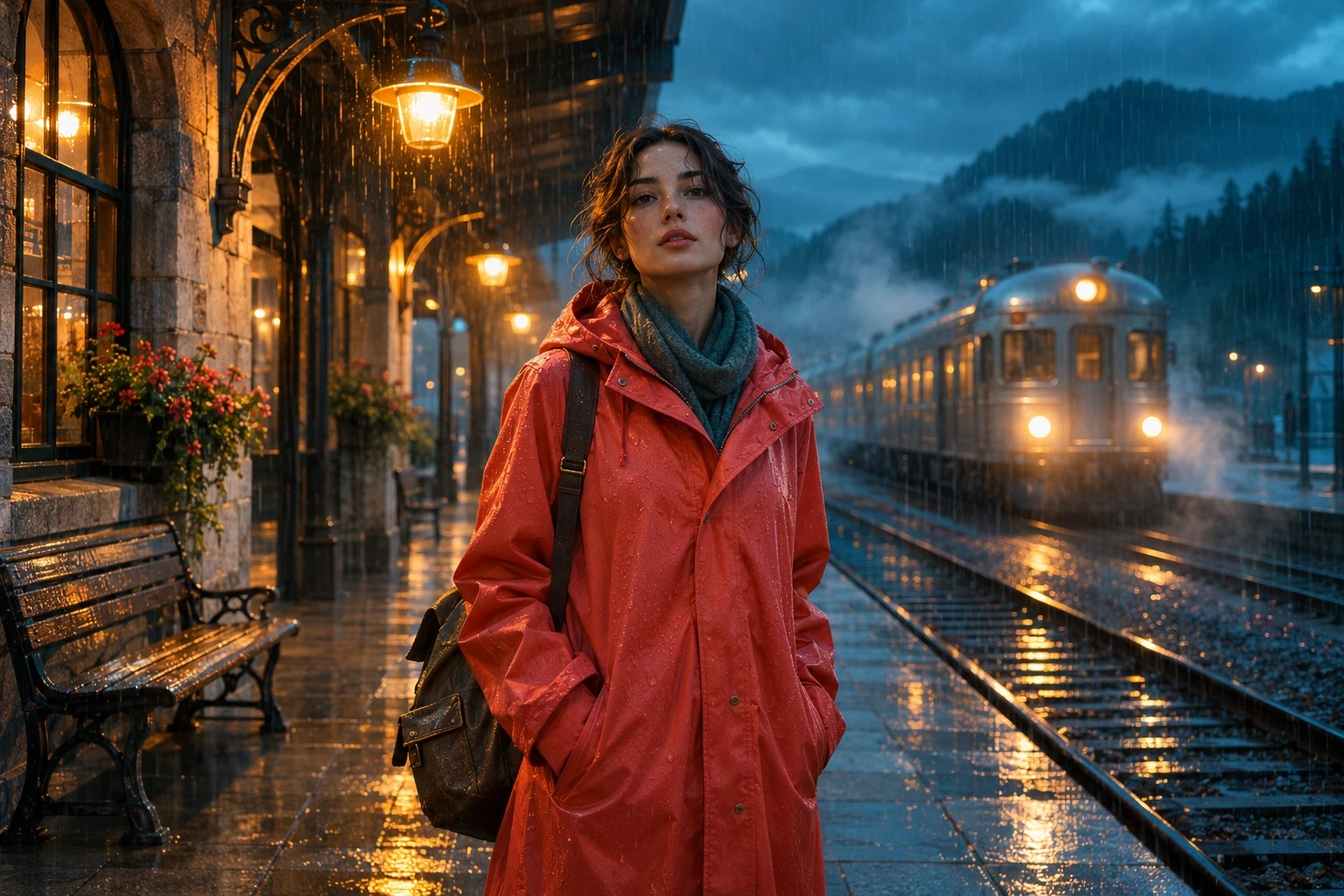
AI-created cinematic scene concept: a traveler in a coral raincoat on a rainy railway platform at blue hour

Key Features of AI Video Generator

Develop a scene through action, timing and camera direction. Use references to anchor its visual identity and bring movement, atmosphere and sound into the same shot.

Generate Narrative Shots from Text and Images

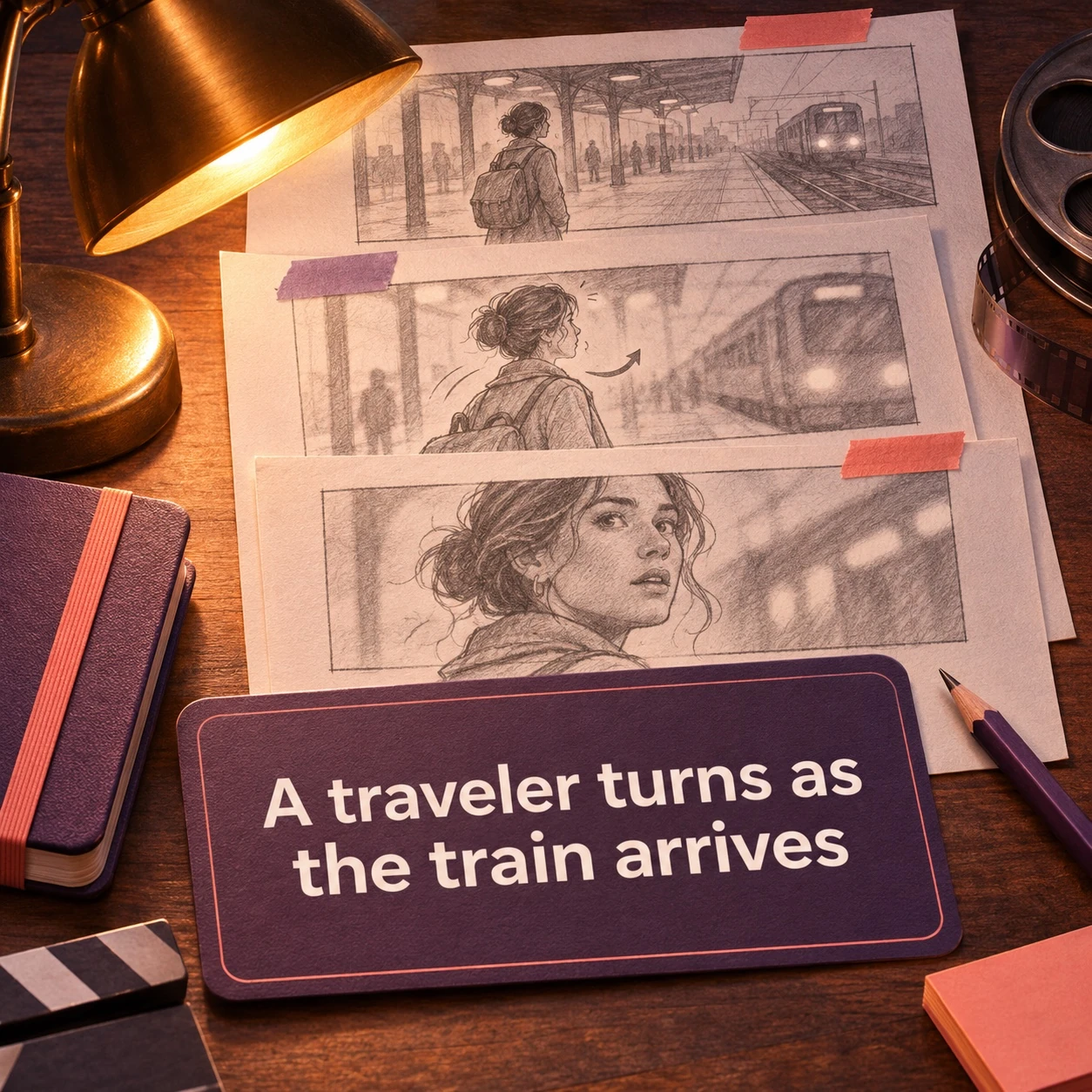
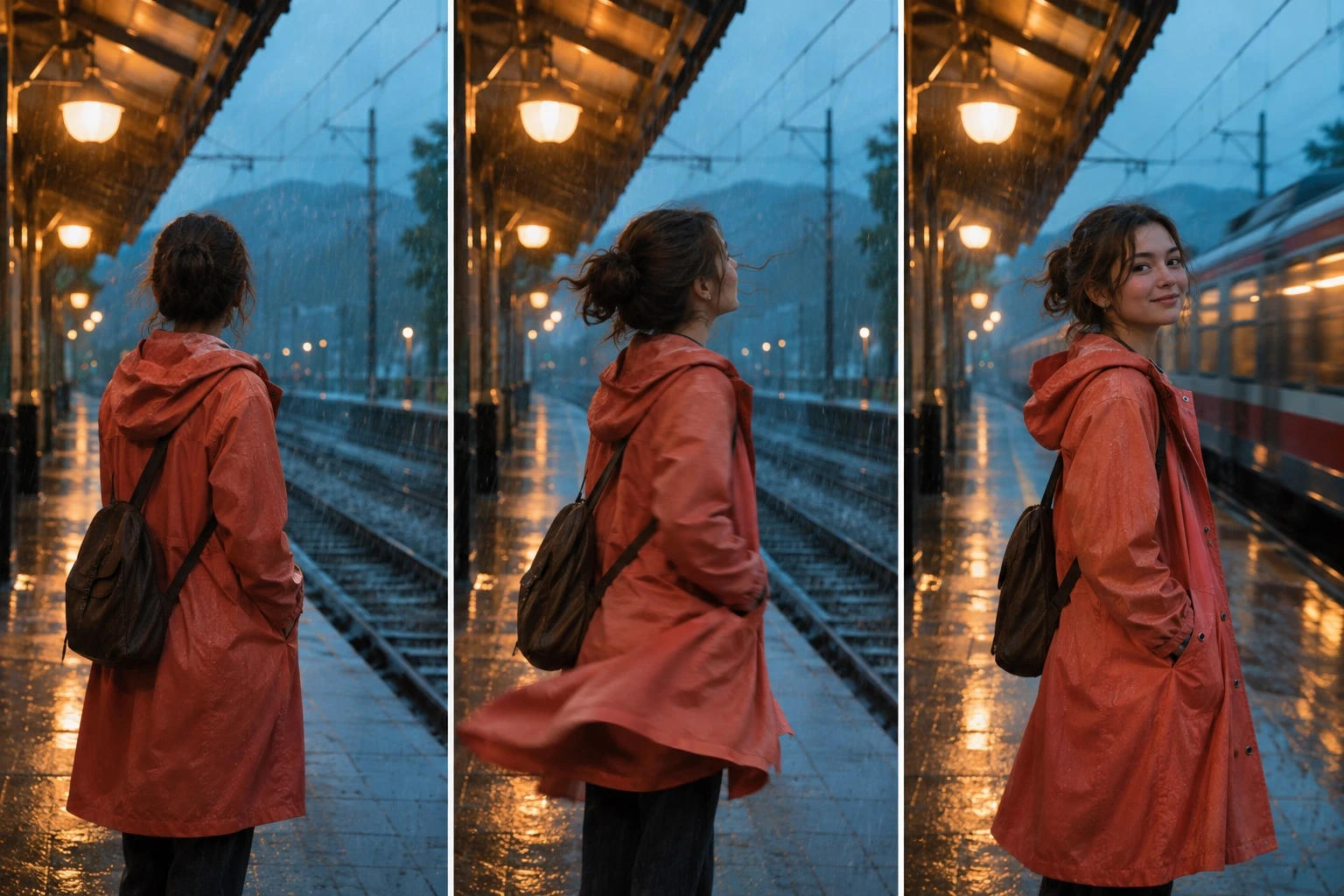
Turn a scene description or starting image into a shot with character action, camera movement and environmental detail. A train enters a rain-soaked platform, a character turns toward the light, or a product emerges from shadow. Develop the timing and atmosphere of these moments for storyboards, advertising concepts and short visual narratives.

Create a Video
Guide Video with Image, Motion and Audio References

Seedance 2.5 supports up to 50 reference assets across images, video and audio. Character and product images establish appearance, motion clips guide action, and sound references inform the audio direction. Combine these cues with a scene description to develop shots around a recognizable subject, a defined movement and a consistent setting.

Create a Video

Direct Camera Movement, Framing and Shot Rhythm

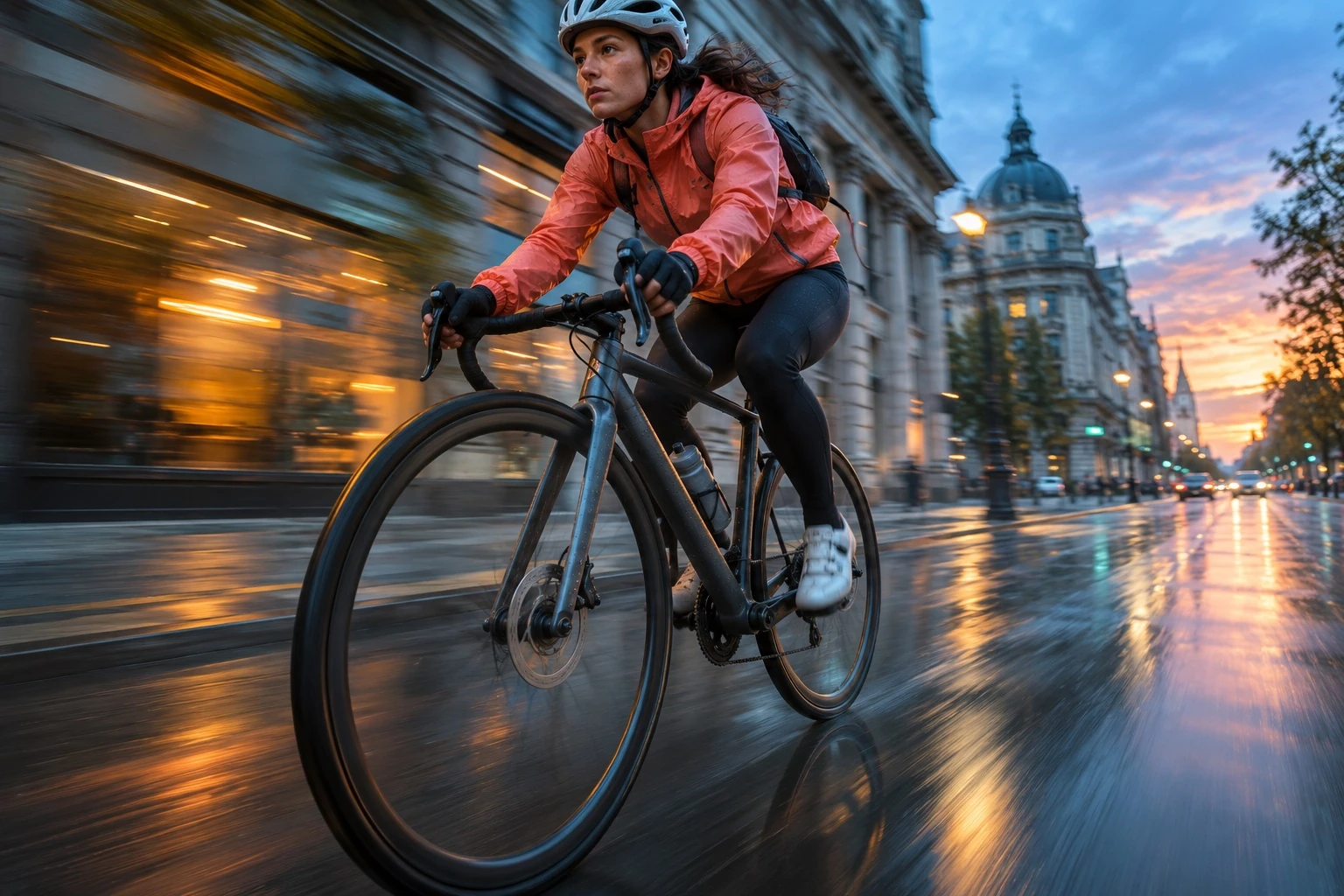
Coordinate a slow push-in with a change in expression, follow a moving subject with a tracking shot, or reveal a setting through a wider camera move. Framing, viewpoint and the sequence of actions shape where attention falls. These choices establish the pace of a product reveal, a character moment or a storyboard shot.

Create a Video

Generate Video with Dialogue, Ambience and Sound Effects

Models with native audio generate voices, environmental sound and effects alongside the picture. Pair a character's action with a spoken line, footsteps in a corridor or rain striking a platform. Sound and movement develop around the same scene description, giving narrative shots, product films and social clips a defined mood and sense of place.

Create a Video

How to Use the AI Video Generator

Use Text to Video to write a scene or Image to Video to animate a starting frame.

Step 01

Write a Prompt or Upload an Image

Describe the scene and action. For Image to Video, upload a starting image and explain how the subject and camera should move.

Step 02

Choose a Model and Video Settings

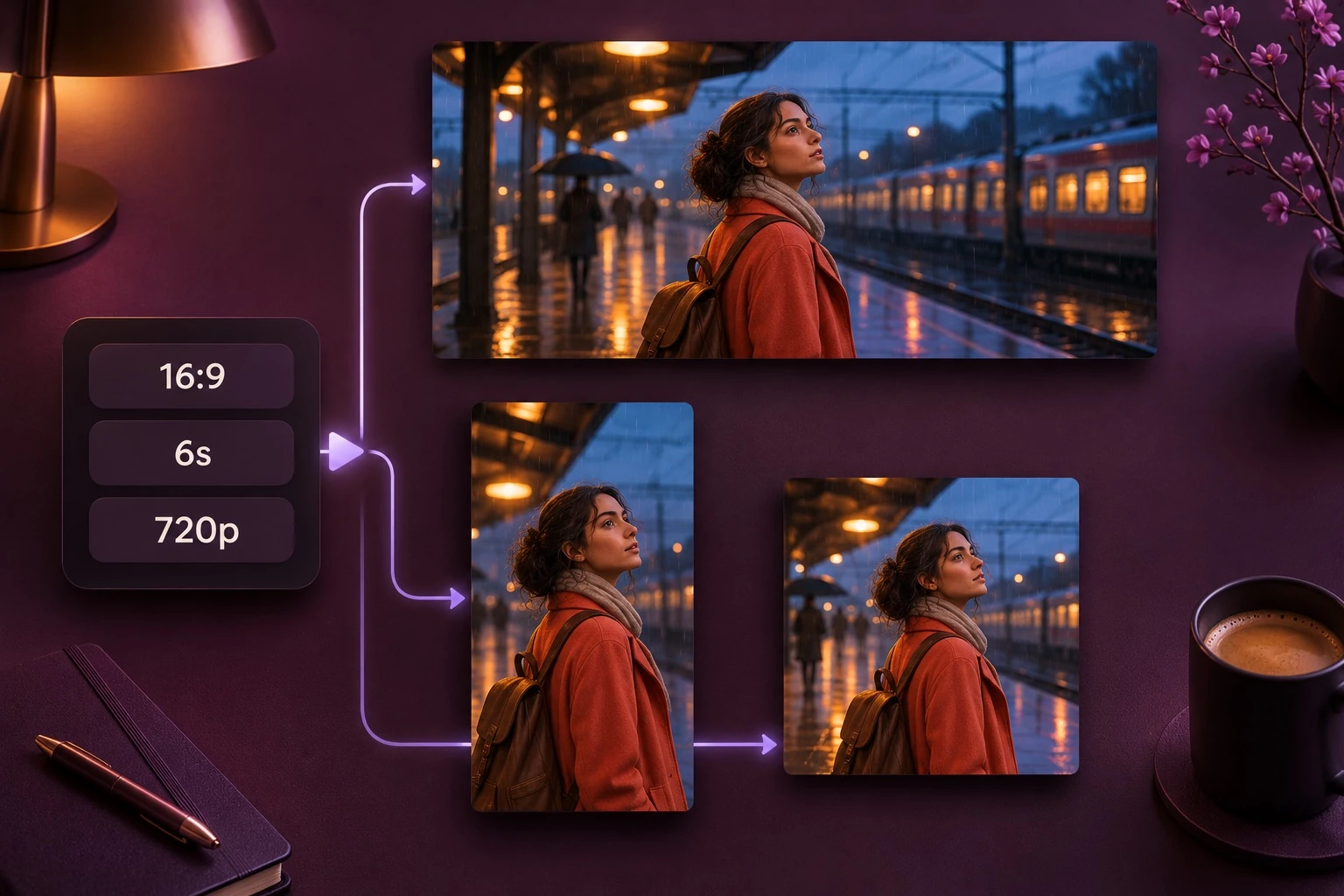
Select a model, duration, resolution and aspect ratio. Set audio options if available, check the credit cost and generate.

Step 03

Preview and Download

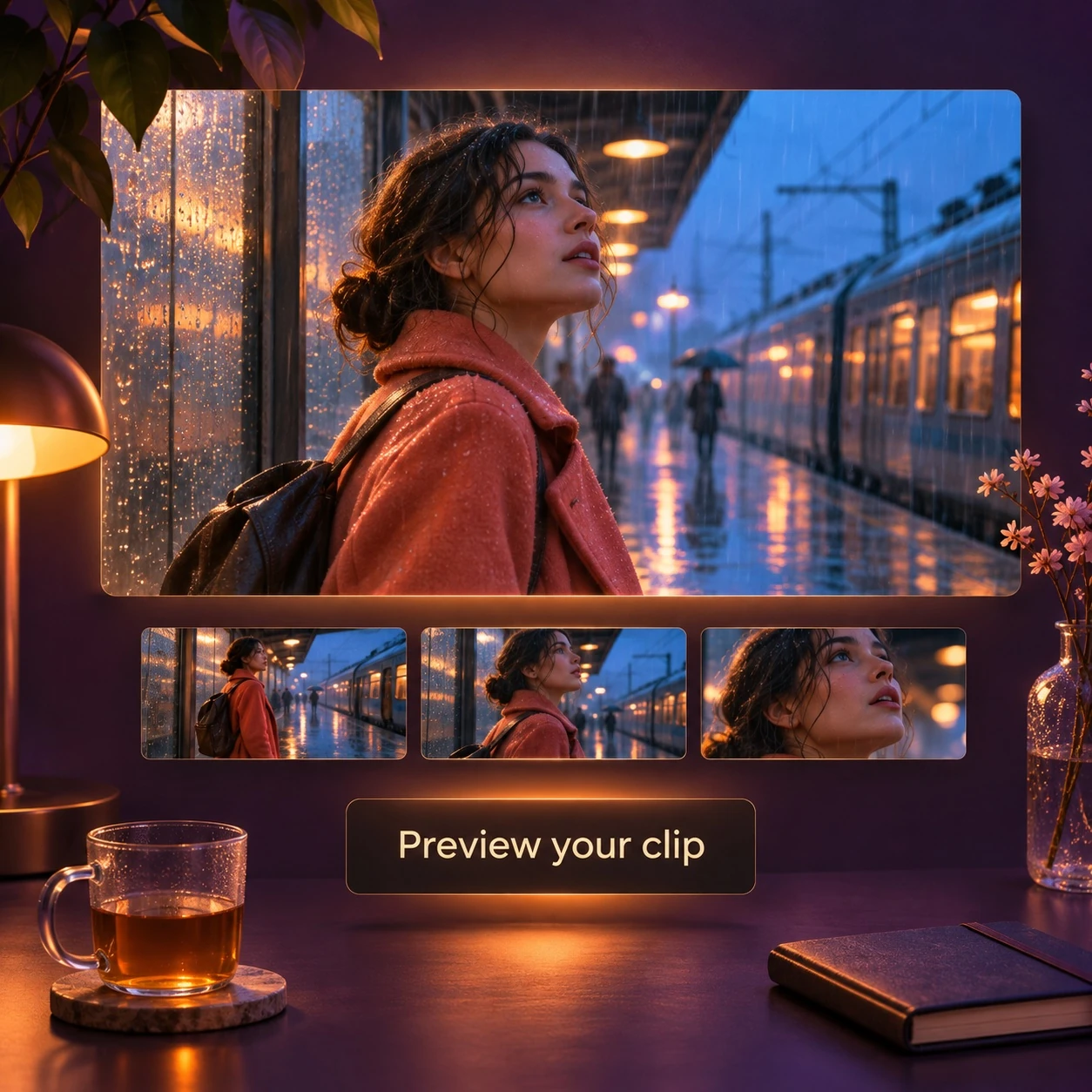
Play the clip to check motion and sound, then download it. Adjust the prompt to generate another version. Saved videos are available in Assets.

AI Video Generator Use Cases

Create product demos, social clips, storyboard previews and character animations.

Film Scenes and Storyboard Shots

Test a scene before filming. Describe the location, lighting and character action, then add a camera move to see how the shot could play out.

Create a Video

Product Close-Ups and Ad Clips

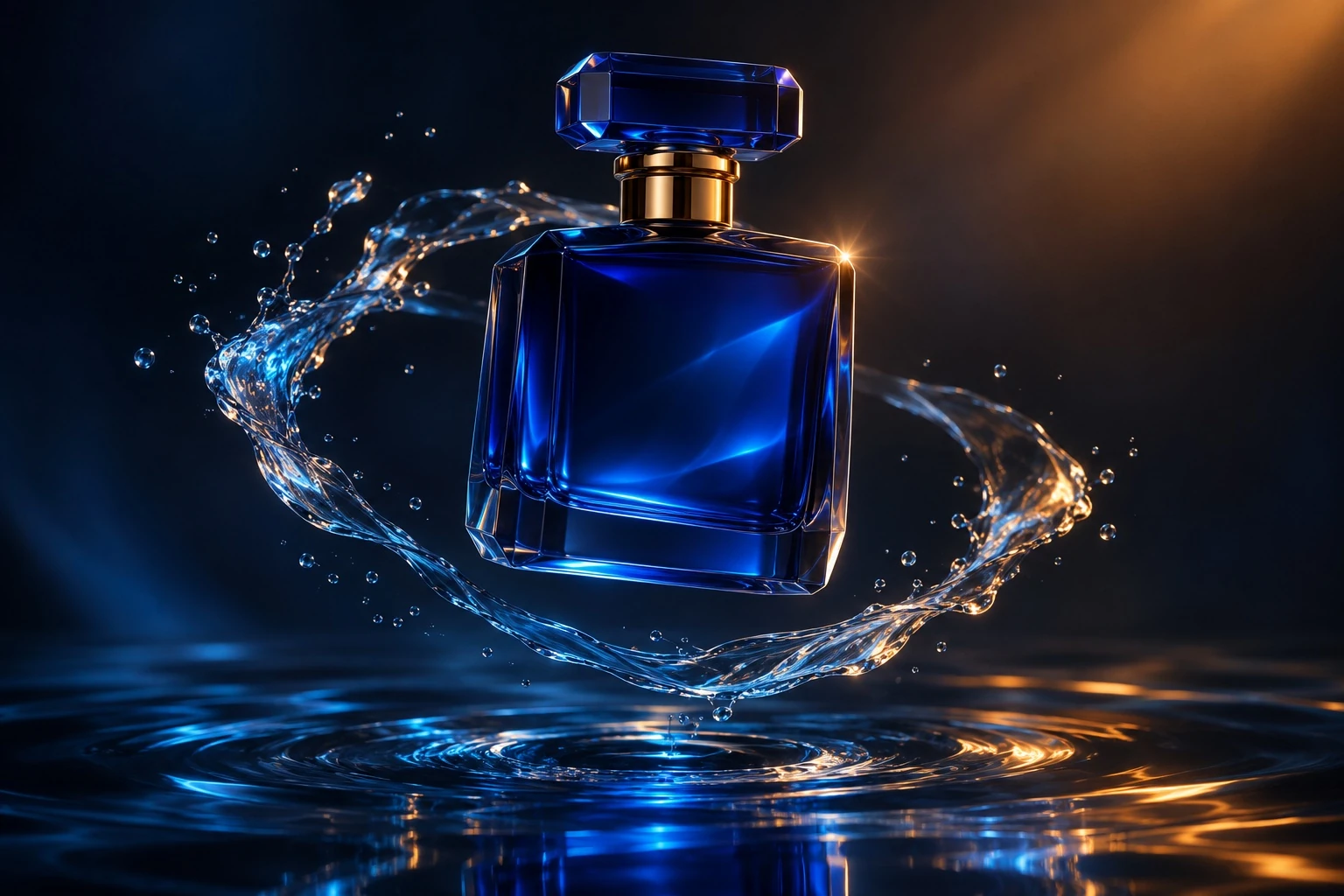
Start with a product photo and describe a slow camera move, changing light or a reveal. Generate clips for product launches, store pages and ads.

Create a Video

Short Videos for Social Posts

Create a short clip for a post, announcement or recurring series. Choose a model with the portrait, square or landscape ratio your channel needs.

Create a Video

Animated Characters and Illustrations

Upload a character drawing or illustrated scene. Describe a blink, a turn or a short walk, and specify how the background should move.

Create a Video

AI Video Generator FAQs

It can translate a scene description into subject movement, camera behavior, lighting and atmosphere. A traveler waiting for a train can become a shot with approaching headlights, drifting rain and a gradual push toward the character. The result gives a written idea timing, depth and a visual point of view.

Generate a Video from Text or an Image

Write a scene or upload a starting image. Set the action, camera movement and clip length.

Create a Video