AI Image Generator

Create portraits with natural skin detail, product scenes with realistic materials, and posters with integrated typography. Develop text and image references into a visual direction for brand campaigns, packaging concepts and editorial design.

Edit a reference image
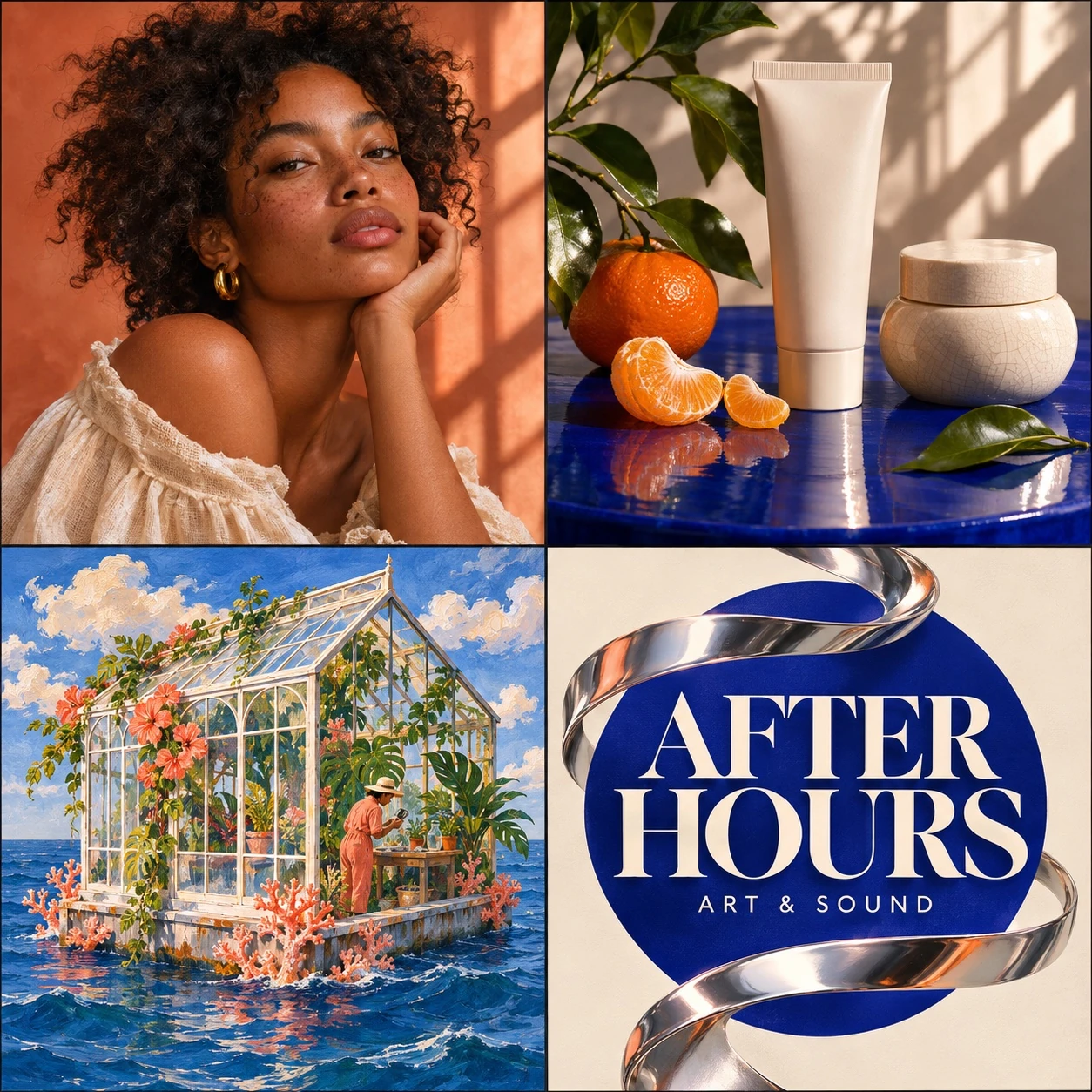
AI-created image showcase featuring a natural portrait, skincare product photography, a floating greenhouse illustration, and an editorial art poster

Key Features of AI Image Generator

Shape the lighting, composition and material detail of an image, preserve subjects through revisions, and bring typography and visuals into one design.

Generate Photography and Artwork from Text and Photos

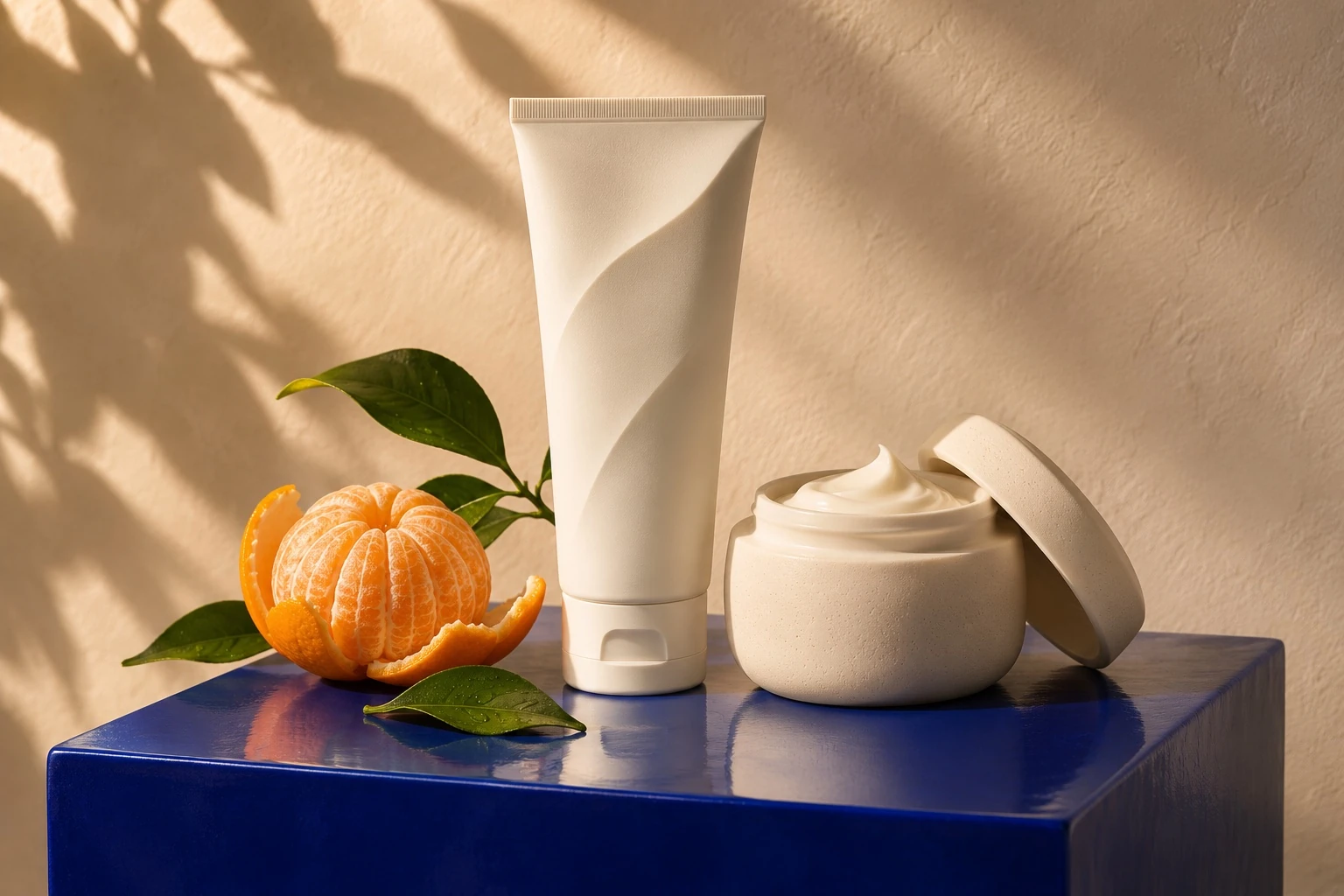
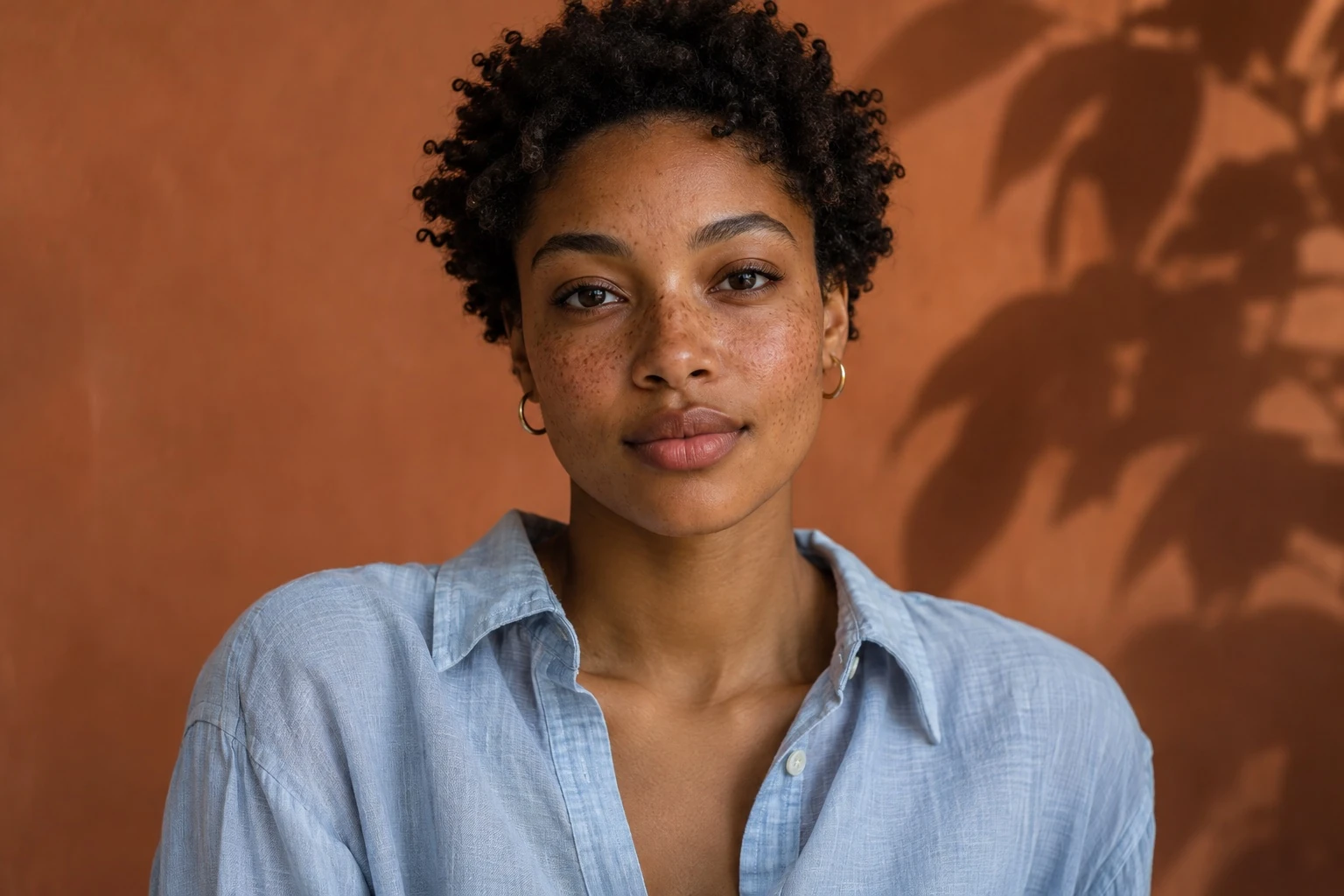
Turn a written brief and reference photos into product photography, editorial portraits, illustrations and brand visuals. Seedream, GPT Image and Nano Banana render skin, glass, fabric and light, with the brief guiding subject placement, palette and composition. Develop a launch image, cover or campaign concept with a defined photographic or illustrated treatment.

Create an Image
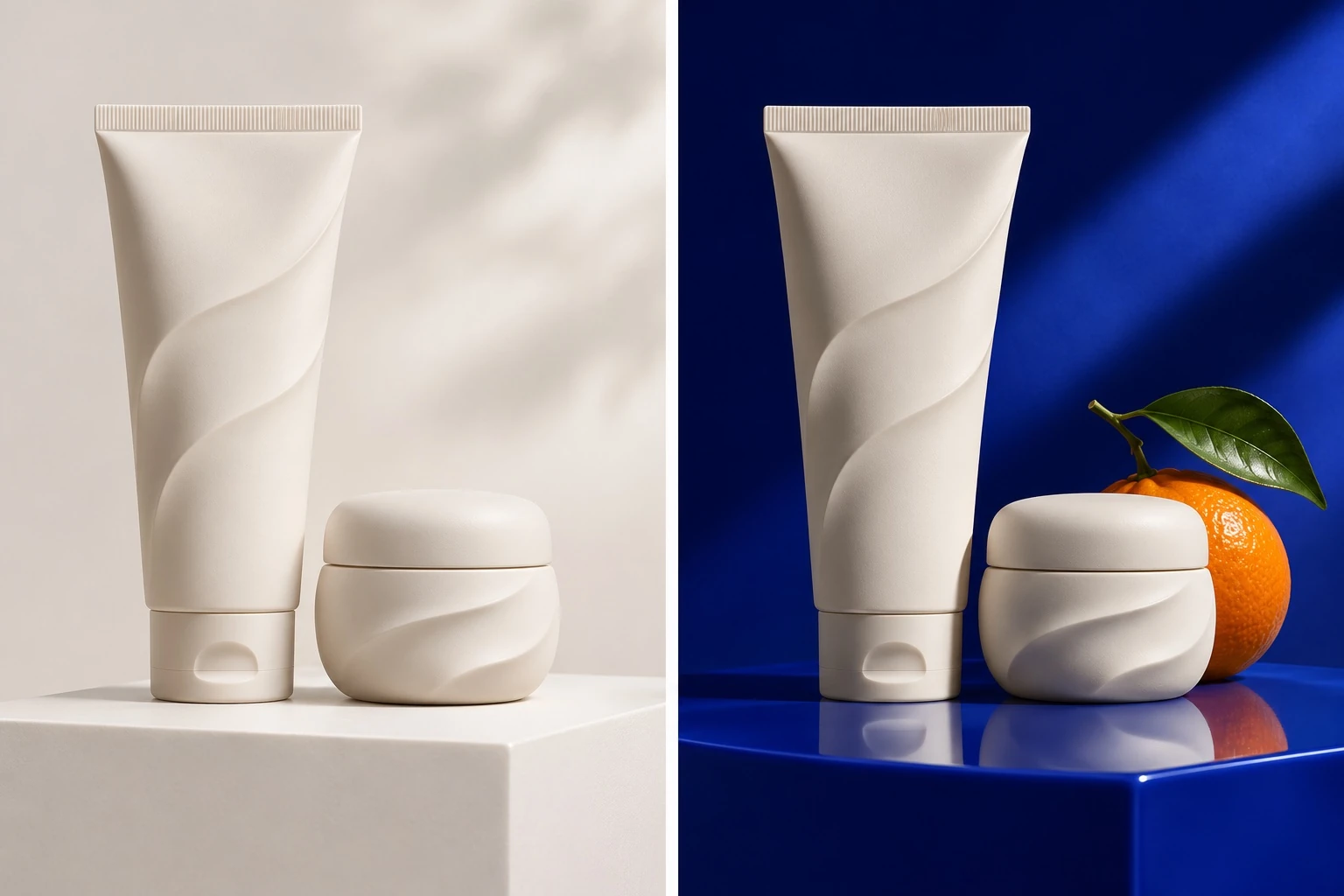
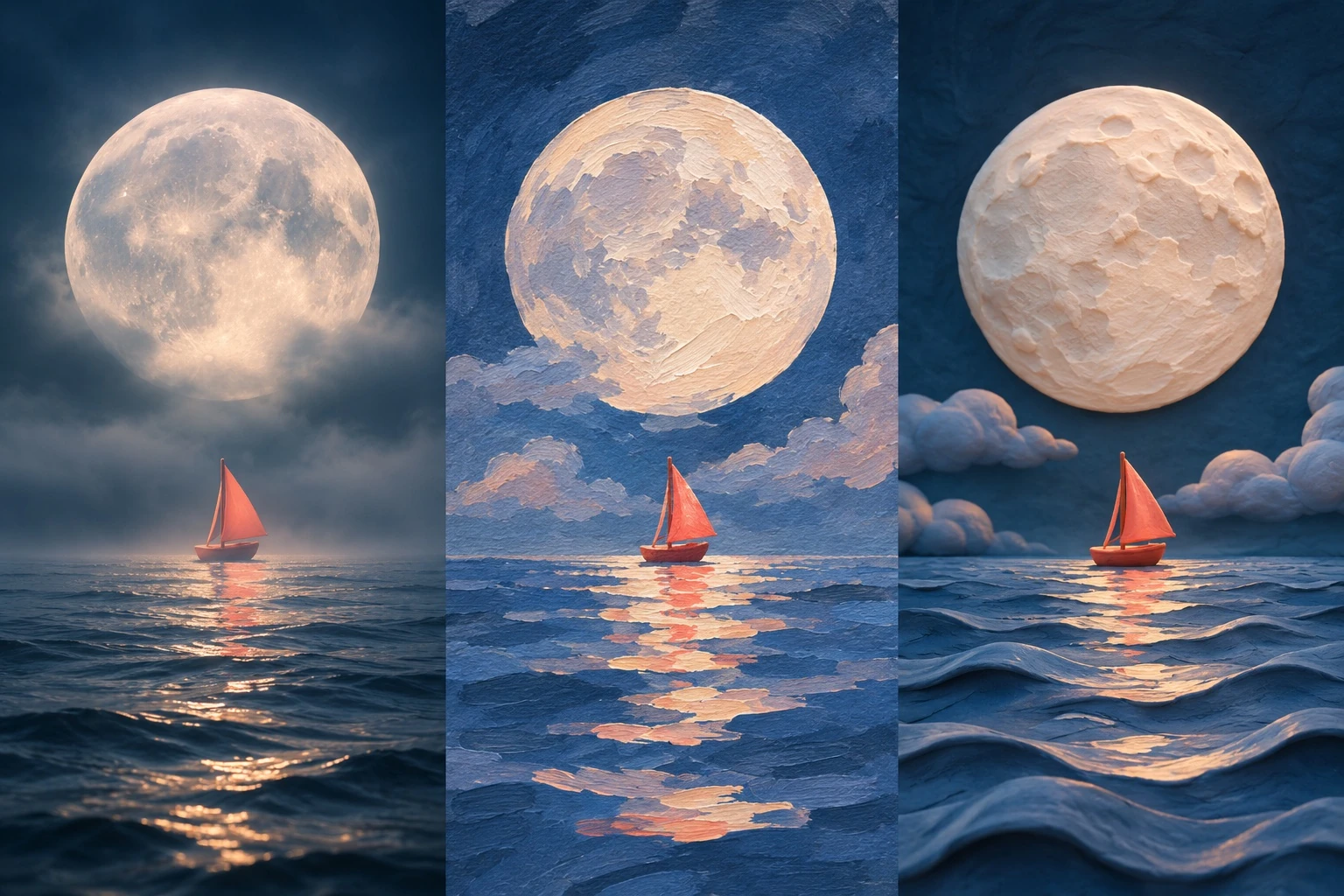
Refine Products and Portraits with Targeted Editing

Change a garment's color, a ceramic finish or the background while keeping the subject and composition as visual anchors. Reference images carry defining shapes, facial features and material details into each revision. One approved image becomes a starting point for seasonal treatments, product variations and a related set of campaign assets.

Create an Image

Develop Multiple Visual Styles from a Single Brief

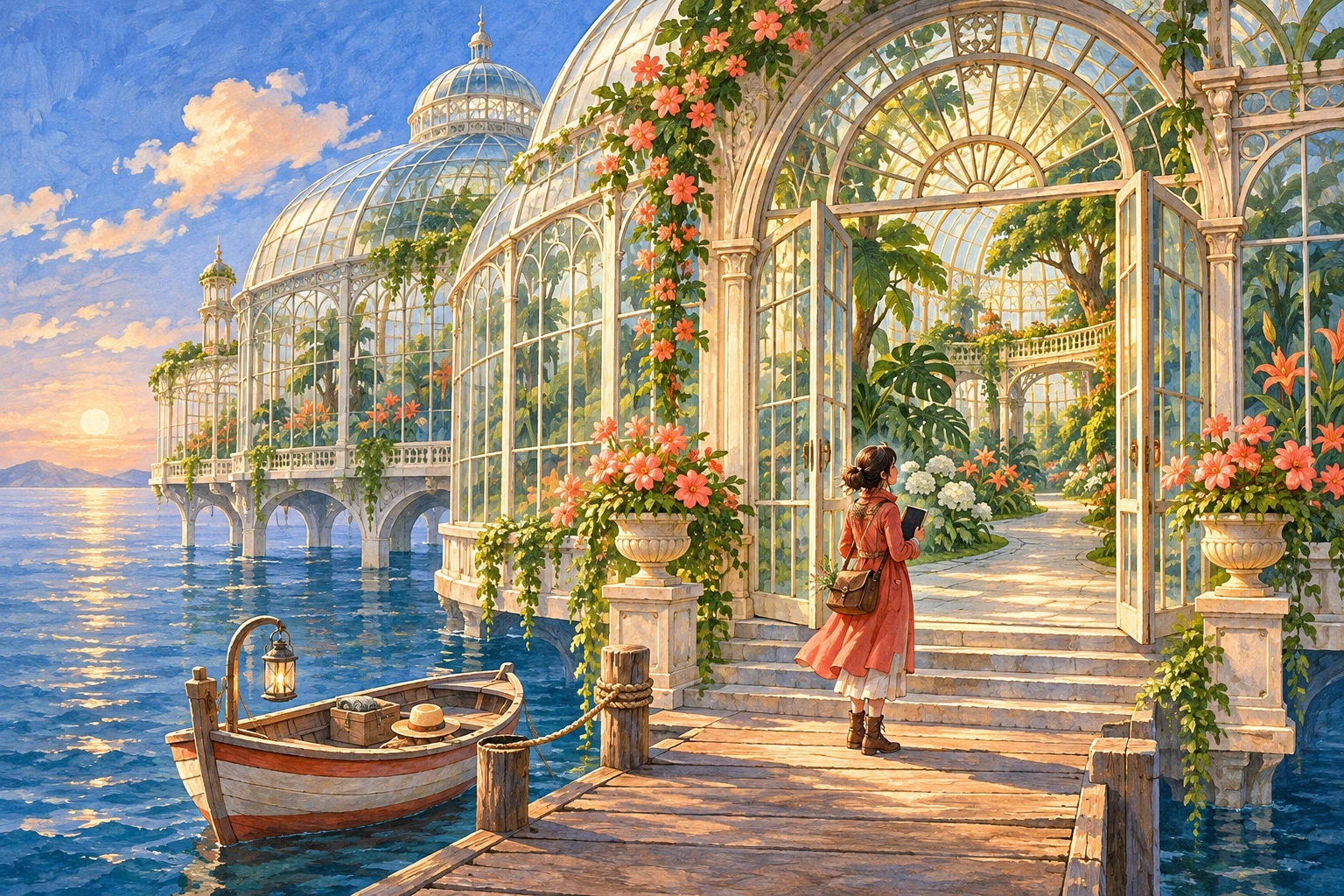
Interpret one concept as studio photography, painted illustration, a graphic poster or a fantasy scene. Different image models bring their own treatment of texture, contrast, color and lettering to the brief. Compare those directions to establish a campaign's visual language, explore a character design or develop a cover around a distinctive aesthetic.

Create an Image

Generate Posters with Readable Text and Structured Layouts

Bring headlines, prices, dates and supporting copy into the same composition as the main visual. Models with text generation render lettering and layout together, including multilingual text and compact labels. Develop a launch poster, packaging concept or infographic with a clear reading order, coordinated colors and imagery that supports the message.

Create an Image

How to Use the AI Image Generator

Use Text to Image for a new image or Image Edit to change an existing one.

Step 01

Write a Prompt or Add a Photo

Describe the image you want. To edit a photo, choose Image Edit, upload the photo and describe the changes.

Step 02

Choose a Model and Image Size

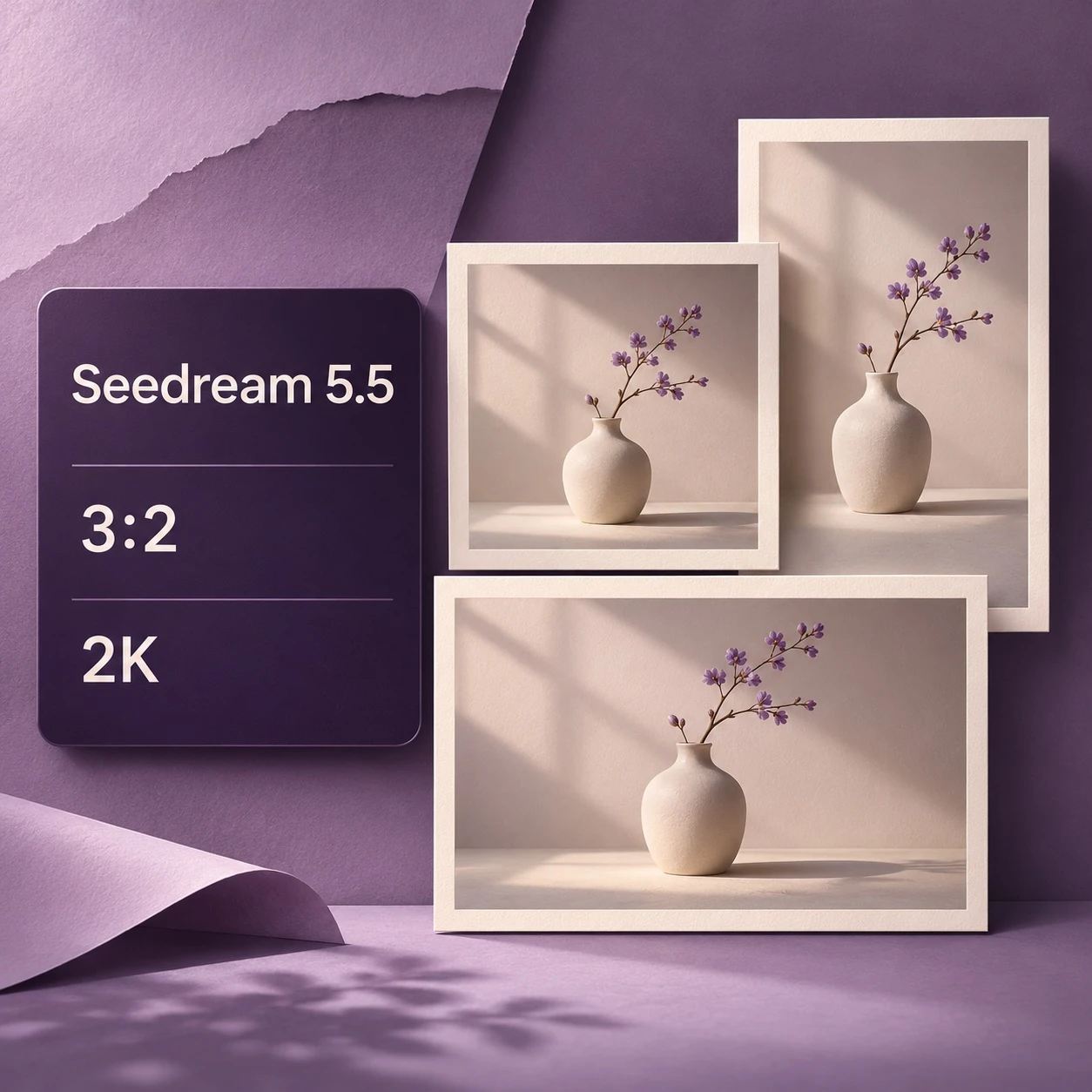
Select an image model, set its aspect ratio and resolution, and check the credit cost before generating.

Step 03

Generate and Download

Review the image and download it. For another edit, use the result as a reference. Saved images are available in Assets.

AI Image Generator Use Cases

Make images for store listings, profile photos, event posters and illustrated covers.

Product Photos for Stores and Ads

Upload a product reference and describe the background, surface and lighting. Create versions for store listings, seasonal promotions or ad layouts.

Create an Image

Portraits with Natural or Studio Lighting

Create a close-up in window light, a studio headshot or a fashion portrait. Specify the pose, expression, clothing and background in your prompt.

Create an Image

Event Posters and Social Graphics

Include the event name, date and headline, then describe where each should appear. Choose a square, portrait or landscape layout for the placement.

Create an Image

Character Illustrations and Book Covers

Describe a character, location and medium, such as watercolor or gouache. Set the composition and palette for a book cover, story scene or character study.

Create an Image

AI Image Generator FAQs

It can create photographic scenes, character illustrations, product imagery and text-led designs from a visual brief. A fragrance launch might call for glass reflections and studio light; an editorial cover might combine a portrait, a restrained palette and headline space. Subject, material, setting and composition give each image its direction.

Generate an Image from Text or a Photo

Describe a new image or upload a photo to edit. Choose your model, image size and settings.

Create an Image